Accommodation tracking
Stays that arrive on your timeline already filled in.
Forward an Airbnb, Booking.com, VRBO, or boutique-hotel confirmation. Skaoot pulls the listing details, amenities, and access info onto your timeline, and surfaces the door code right when you arrive, not in your search results.
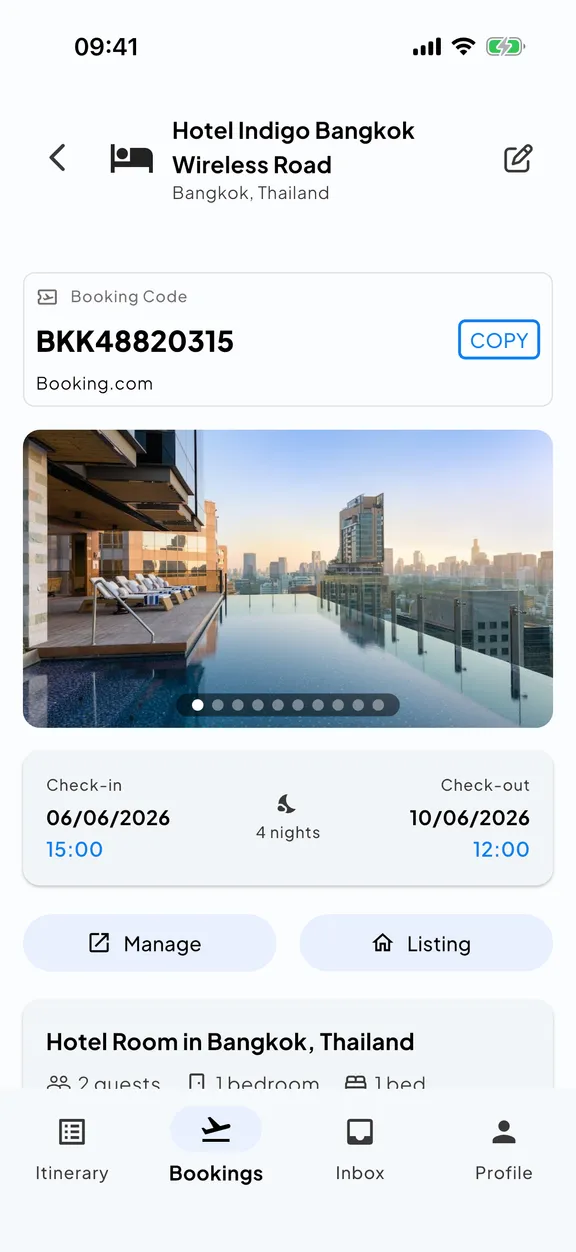
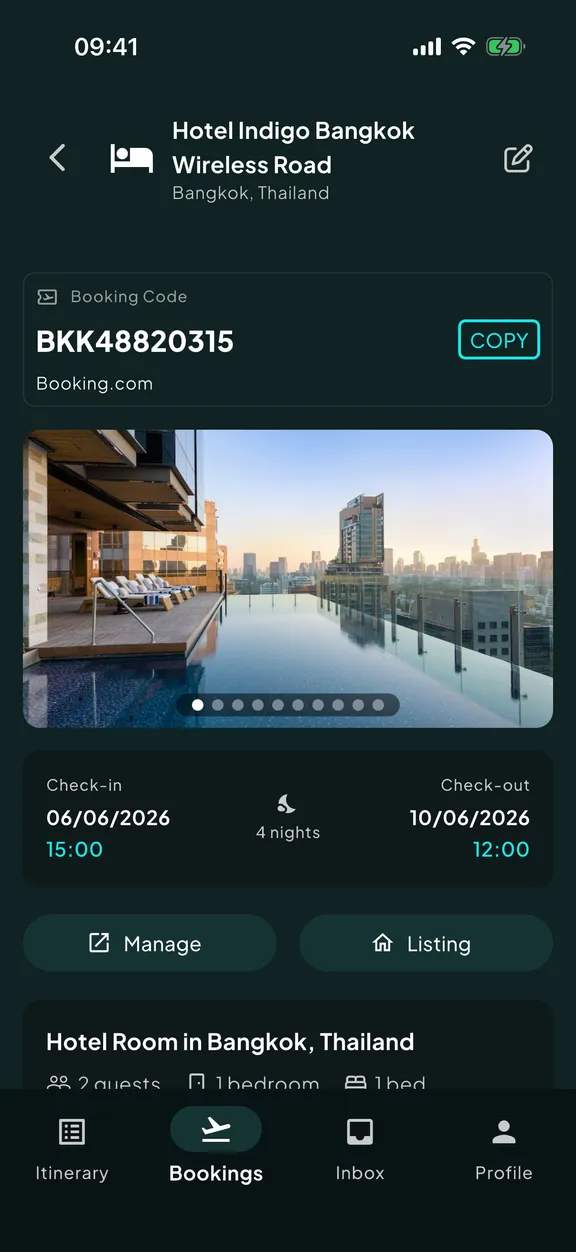
A stay confirmation has six things that matter and four hundred lines of HTML.
The address is in the email. So is the check-in window, the door code, the WiFi password, the host’s number, the parking instructions, the towel locations, and the URL to the listing.
Some of those are in the body. Some in a link. Some in an attached PDF. Some only appear after you scroll past the marketing footer that takes up most of the screen.
When you land at midnight after a long flight, you don’t want to scroll. You want the address.
The listing on the timeline. The detail at the door.
When a stay confirmation reaches Skaoot, it pulls out the booking and enriches it from the listing page itself. Nothing is left for you to copy across by hand.
Address and map link
visible on your timeline, not buried in the email
Check-in and check-out times
including custom windows where the listing publishes them
Door codes, lockbox codes, key pickup
surfaced when you arrive, not when you remember to look
WiFi credentials, host contact, house rules
where the listing or confirmation provides them
Amenities
pool, parking, kitchen, washer, workspace, all categorized and searchable
The original listing URL
one tap from your timeline back to the source
Airbnb. Booking.com. VRBO. The boutique places that don’t fit in any other app.
Skaoot’s listing enrichment is flexible, not template-based. It works with the major platforms, and with the smaller ones that other travel apps either ignore or fail on quietly. Boutique hotels with one-page websites. Regional platforms in Southeast Asia or South America. The local rental agency that emails you a PDF.
If you can forward the confirmation, Skaoot can read it and pull what’s available.
No confirmation email? Add the stay by hand.
Staying at a friend’s place, or a coliving you arranged off-platform? When there’s no email to forward, you can create the accommodation booking yourself (address, dates, check-in details) and it lands on your timeline exactly like a forwarded one.
The door code arrives when you do.
Skaoot’s stay events are timeline-aware. The address surfaces when your flight lands. The door code surfaces when you arrive at the address. Check-out time and the route to the airport surface the morning of departure. None of it requires digging through your inbox.
See how Skaoot decides what to surface and when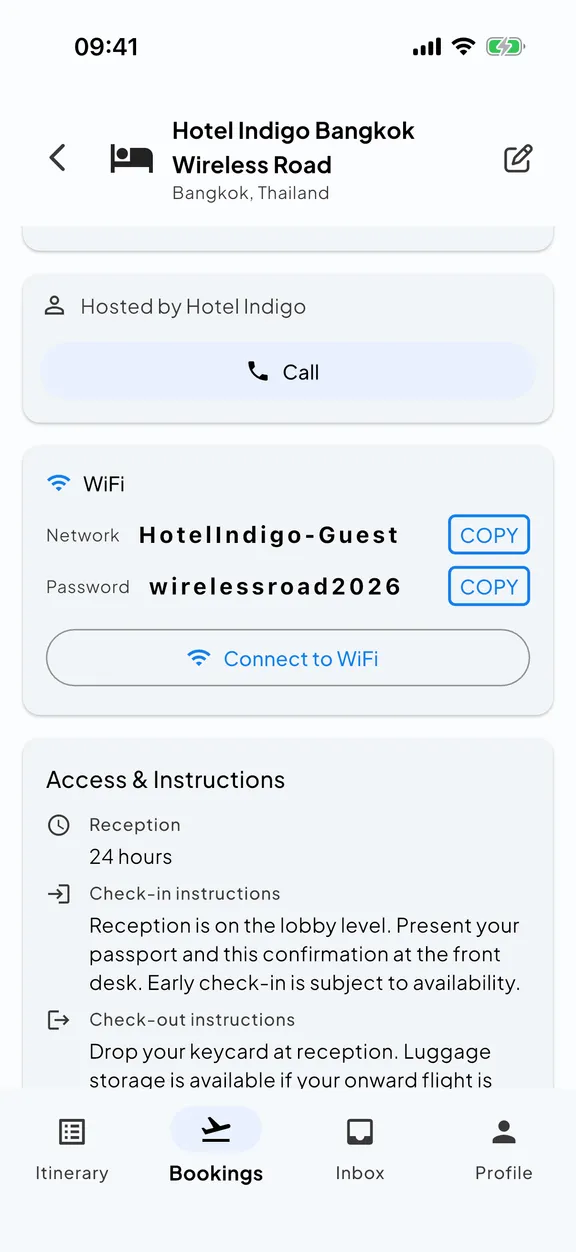
Common questions
What does Skaoot pull out of an accommodation booking?
Which platforms does Skaoot support for stays?
How do I find the door code when I arrive at midnight?
Does Skaoot connect to Airbnb or to my inbox?
Related capabilities
See all featuresThe right detail at the right moment
Door codes, drive times, leave-for-airport reminders, all triggered by where the stay sits on the timeline.
Read moreOne unified timeline
Your stay sits between the flights that get you there and back, in one chronological view.
Read moreLive flight tracking
When your inbound flight is delayed, the drive-to-the-door estimate adjusts.
Read more