Contextual nudges
The right detail at the right moment.
Skaoot doesn’t show you the email. It shows you the door code when you arrive at the door, the drive time when you land, the leave-for-airport time when it’s time to leave. Each event surfaces just the detail that matters now.
A confirmation email is a wall of content. You need one piece of it.
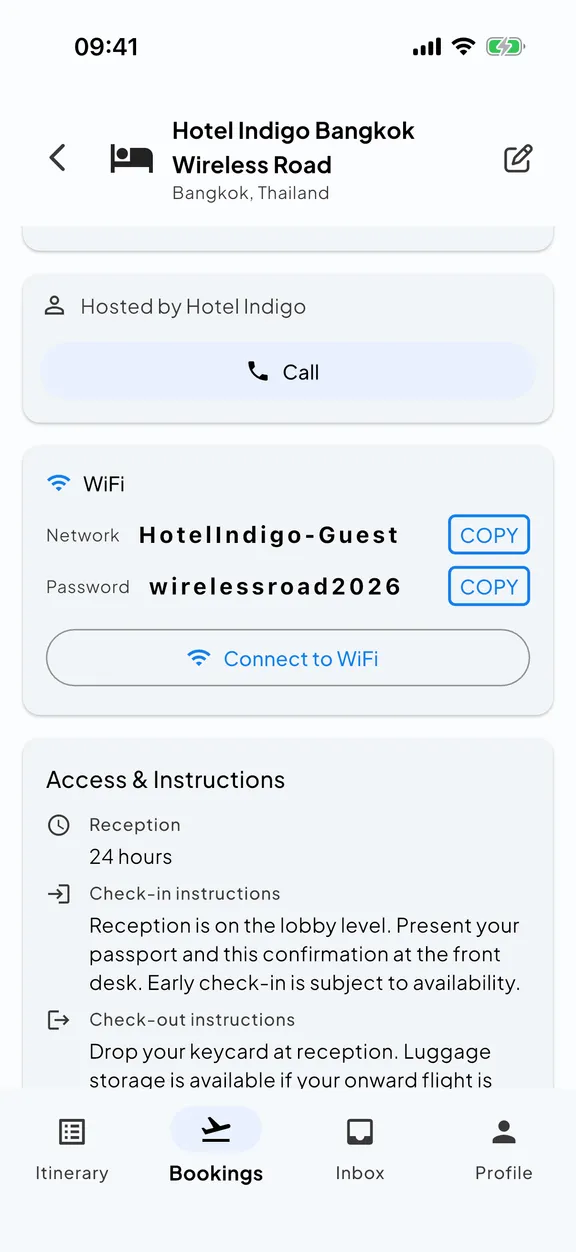
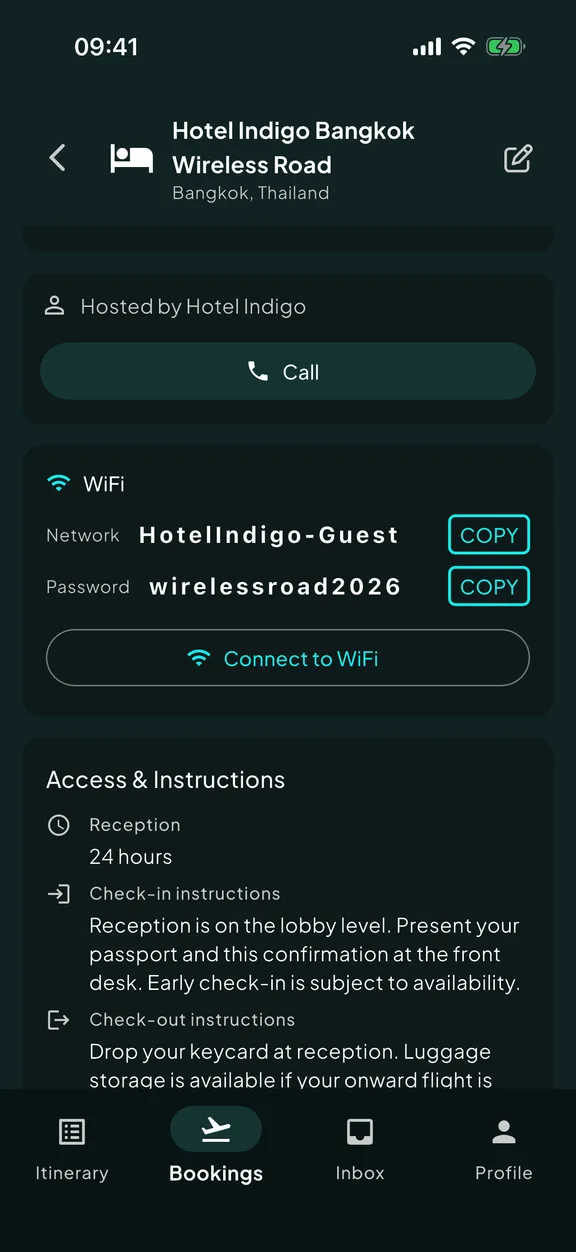
A stay confirmation has the address, the door code, the WiFi password, the host’s number, the check-in window, the parking instructions, the cancellation policy, the listing URL, and a marketing footer. You need different pieces of it at different times.
When you book it, you want the price and dates. When you fly out, the address. When you land, the drive time. When you arrive, the door code. The next morning, the WiFi password. When you leave, the route to the airport.
Most travel apps re-display the email. Skaoot re-displays the moment.
It works because your whole itinerary lives in one place.
Skaoot can hand you the right thing at the right moment because every booking you’ve shared with it lands on one timeline, not in separate silos. Every event on your timeline can see the ones around it.
Your arrival flight knows your stay address, so when you land, Skaoot shows drive time to the door.
Your stay knows your outbound flight, so the morning of departure, Skaoot tells you when to leave based on real travel time.
A tight connection knows the next gate’s terminal, so the same-terminal warning fires from the air, not at the next gate.
A rebooked flight knows the stay it’s connected to, so the leave-for-airport event recalculates without you doing anything.
None of this is possible in a tool that leaves your bookings as a disconnected list. It works because every booking sits on one ordered timeline. And Skaoot never learns anything you didn’t share: it just remembers everything you did, and connects the dots.
Maps and a ride, already pointed at the right place.
With both ends of every leg on the timeline, Skaoot doesn’t just calculate times. It hands you shortcuts with the destination already filled in.
When you land, one tap opens directions to your stay in Google Maps, or books an Uber straight to the door. The morning you head out, the same two taps point at the airport instead.
You never copy an address out of one app to paste it into another.
Landed · OPO
Next: Porto river loft
A few moments Skaoot covers.
You’re flying out tomorrow morning.
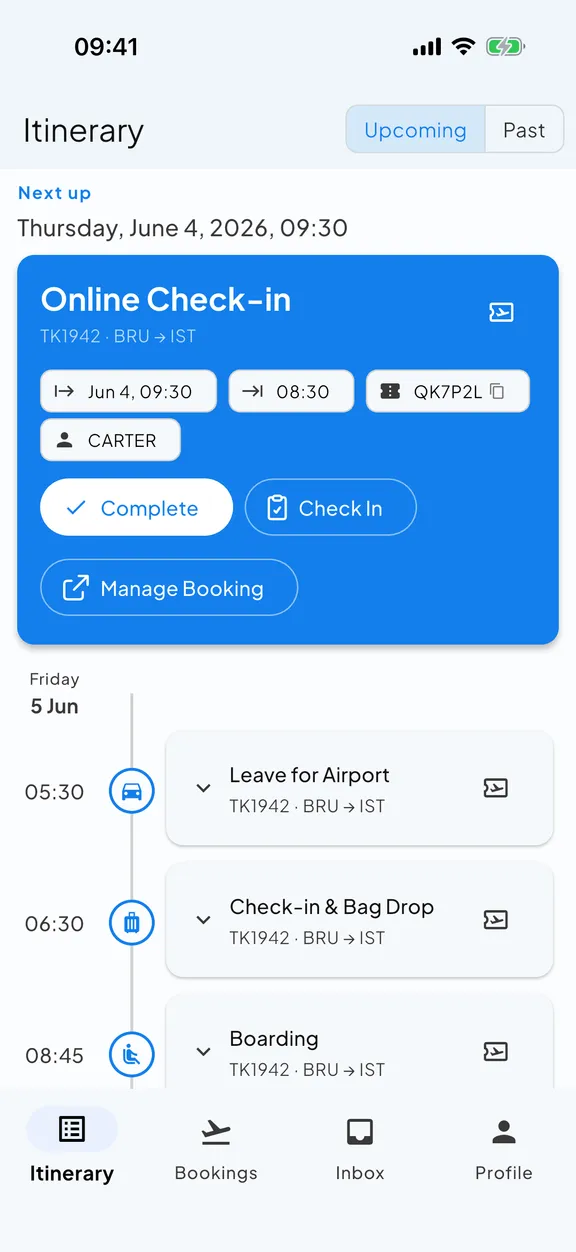
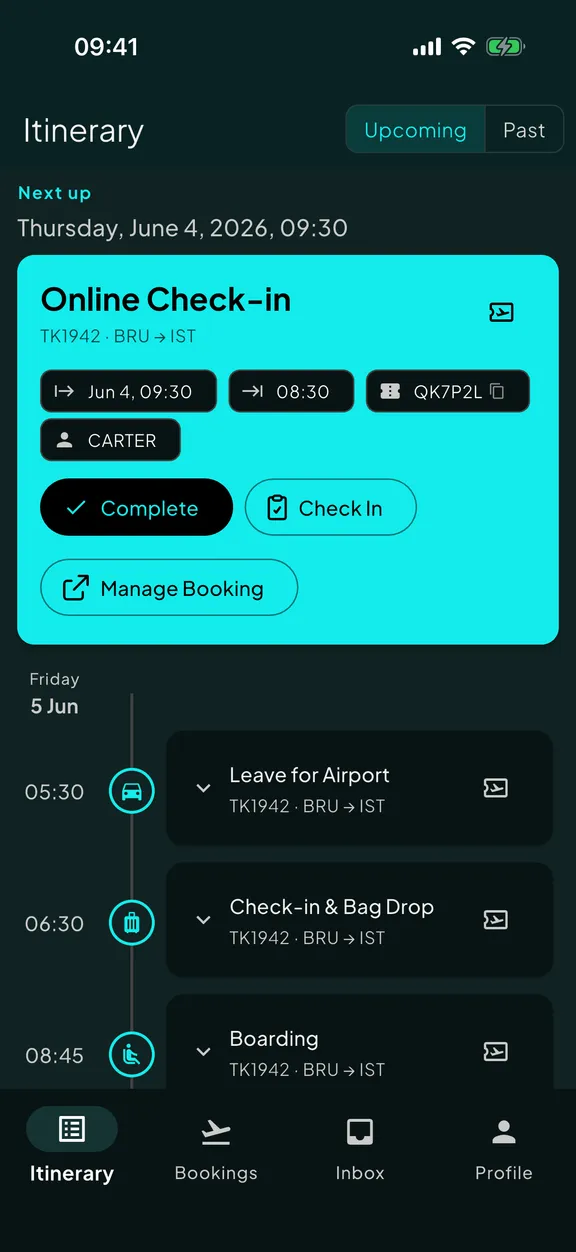
Skaoot tells you when online check-in opens. When you check in, the boarding pass surfaces. The next event is “leave for airport,” timed against real travel from your stay.
Your flight just landed.
Skaoot shows the address of your stay and the drive time. If you’re connecting onward, it shows the next gate’s terminal and transit time instead.
You arrive at the door.
Skaoot surfaces the door code. The host’s contact info is one tap away if it isn’t working.
It’s the morning of check-out.
Skaoot shows your check-out time, the route back to the airport, and the next leg of your itinerary.
You’re between two flights with a tight connection.
Skaoot warns you from the air with the same-terminal indicator and transit time. If your inbound is delayed enough to threaten the connection, you see that too.
Notifications fire on real moments. Not on schedule.
Skaoot doesn’t push the door code three days before you arrive. It surfaces it when you’re at the address. It doesn’t tell you to “consider leaving soon.” It tells you when, based on traffic and your specific stay address. It doesn’t notify you that “your trip is in 14 days.” It says nothing until something needs saying.
See a moment land on your timeline.
Arrival, drive-time card, door-code card: a sequence of moments, each surfacing only what you need then.