Change handling
Plans change. Your itinerary keeps up.
Rebooked flight, modified hotel, terminal change, partial-info notification. Skaoot reads each one in context, finds the existing booking, and merges the change in. No duplicate bookings. No rejected emails. No silently outdated itineraries.
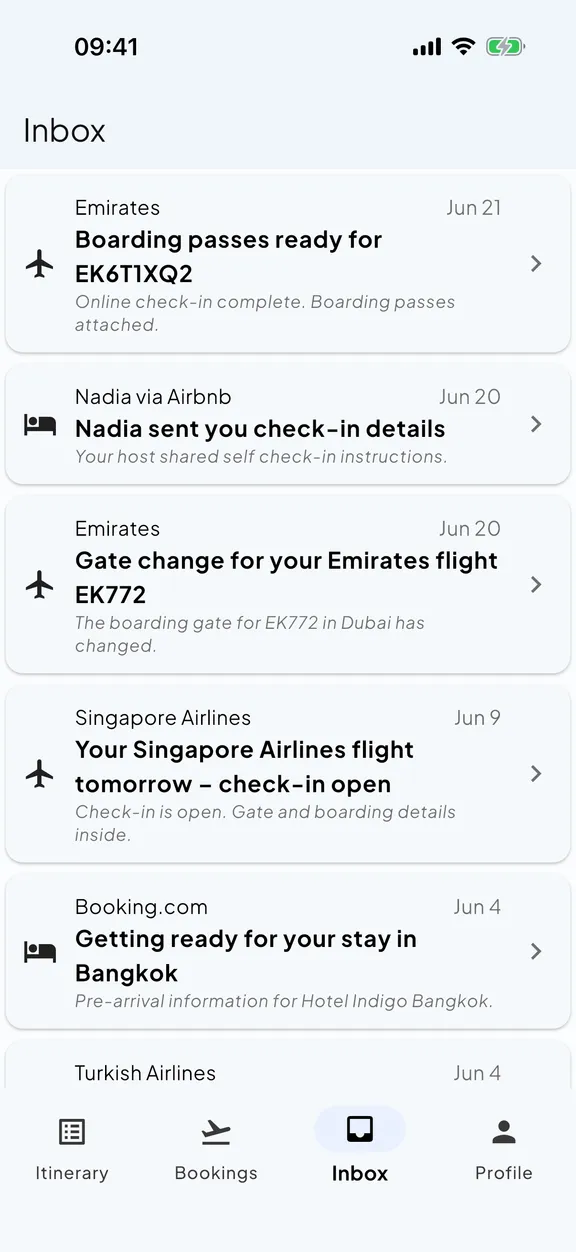
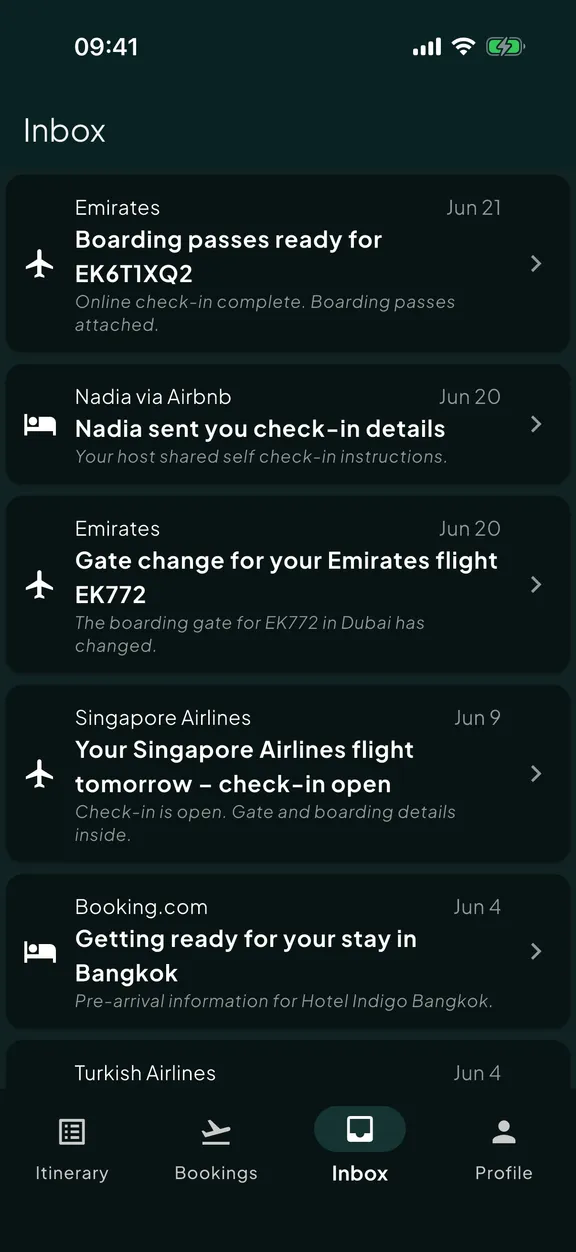
Most travel apps assume your plans won’t change.
They were designed for the round-trip booking that lands in your inbox once and never moves. When the airline rebooks you, the email looks like a fresh booking. Different subject line, different reference, different timestamps. The app reads it as a new trip.
Now you have two trips on your itinerary. The original one with the wrong flight, and the rebooked one with no return leg.
Or the app rejects the email outright because it didn’t match the booking confirmation pattern. The change never lands. Your itinerary is silently wrong.
Skaoot reads the change in context.
When an update email arrives, Skaoot looks at what’s already on your timeline first. It correlates by airport codes, dates, passenger names, reservation references, and the original sender, not just by subject-line pattern.
If the change matches an existing booking, Skaoot merges it in. That entry updates with the new flight number, departure time, and gate. It stays one booking on your timeline. The history of what changed is preserved on the booking.
If the change is a new booking entirely (a same-day backup flight you booked yourself), Skaoot adds it to your timeline as a new entry. Either way, you don’t end up with two copies of the same booking.
What template-based parsers can’t do
A “your gate has changed to A14” notification often doesn’t include the flight number, the date, or the passenger name. Skaoot uses the surrounding context (your stored booking) to attach the change to the right flight anyway.
Loud when it matters. Silent when it doesn’t.
Skaoot tells you when
- The gate or terminal changes
- The flight is delayed enough to affect your day
- The flight is cancelled
- A connection is now tight
- Online check-in opens
- The leave-for-airport time shifts
Skaoot stays quiet when
- An equipment swap that doesn’t change the seat layout
- The carrier updated the email footer
- A duplicate confirmation for the same booking
- The merge is purely administrative
The signal-to-noise ratio is the difference between an itinerary you trust and one you ignore.
A few changes you might recognize.
Your outbound is rebooked twelve hours later.
The airline emails you the new itinerary. Skaoot finds the matching booking, updates the flight time, recalculates your “leave for airport” event, and sends one notification. It’s still one booking on one timeline, just with a new departure time.
Your hotel modifies your reservation to a different room.
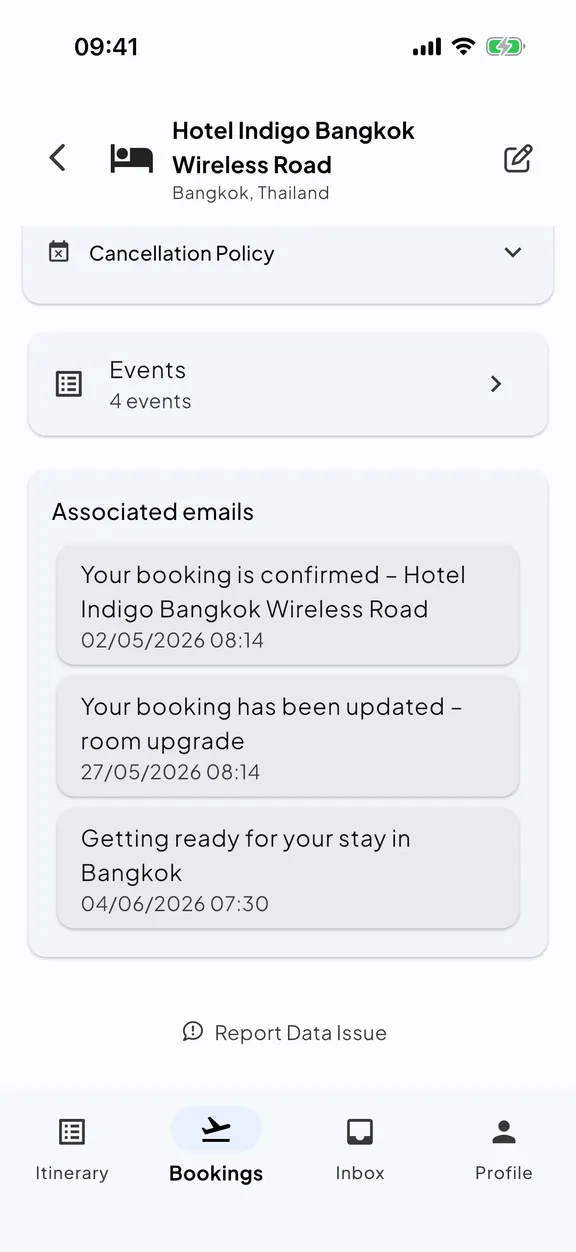
The hotel emails a confirmation that looks like a fresh booking. Skaoot recognizes it as a modification of the existing stay (same address, same dates) and updates the booking in place.
A gate change lands forty minutes before boarding.
The notification email has almost no detail. Just “gate changed to B22.” Skaoot uses the surrounding timeline context to attach the change to the correct flight. Your phone buzzes once.
You forward an old reminder a week after you’ve travelled.
Skaoot recognizes the booking is in the past, adds it to your timeline as history, and stores it without disrupting anything current.
See a change land on your timeline.
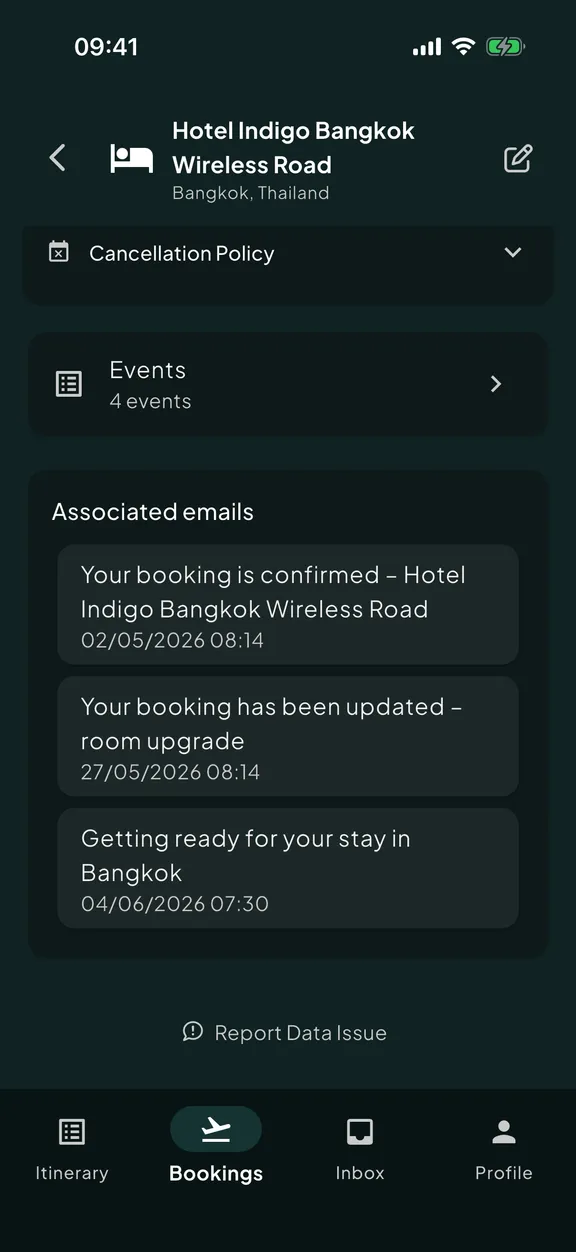
The same booking, before and after a gate change or rebooking. The merge happens in place. One timeline, kept correct.
Common questions
What happens when my flight gets rebooked?
Will a change email create a duplicate booking?
What if the update email barely says anything?
Can I see what changed on a booking?
Related capabilities
See all featuresOne unified timeline
Your timeline stays one timeline; changes update the entry, they don’t fork it.
Read moreLive flight tracking
Gate, terminal, and delay changes from the airline land on the timeline in real time.
Read moreThe right detail at the right moment
When a flight time shifts, the leave-for-airport event recalculates.
Read more