How it works
How a pile of emails becomes one itinerary you can trust.
It comes down to one small habit: when a booking confirmation lands, you pass it to Skaoot. From there it’s automatic. It reads the booking, links it to the rest of your itinerary, and keeps one timeline that updates itself when plans change.
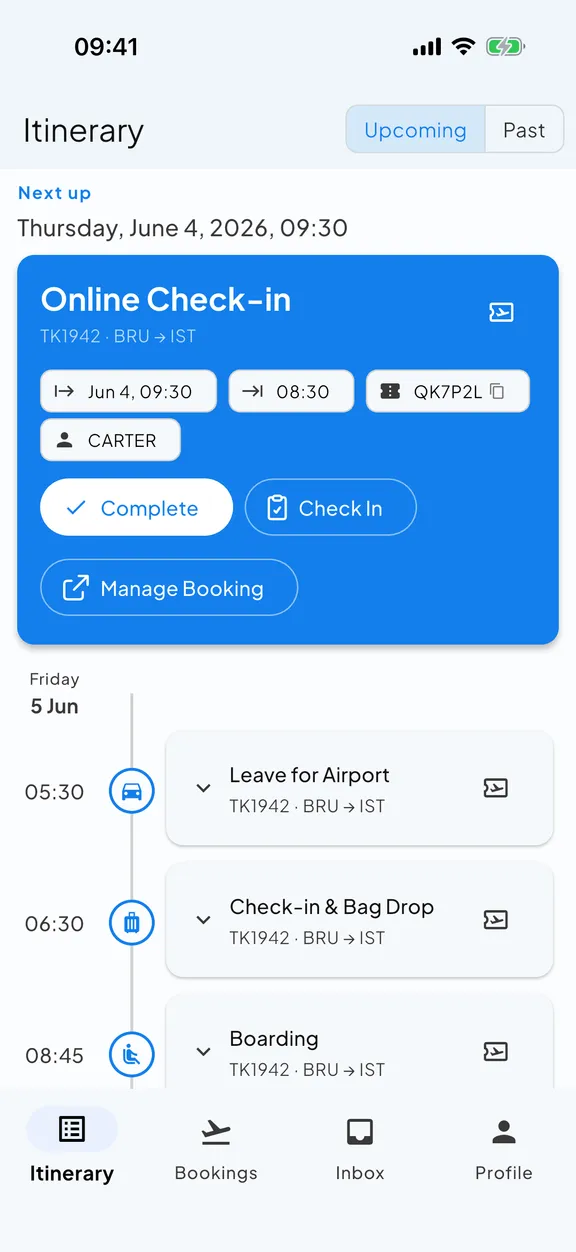
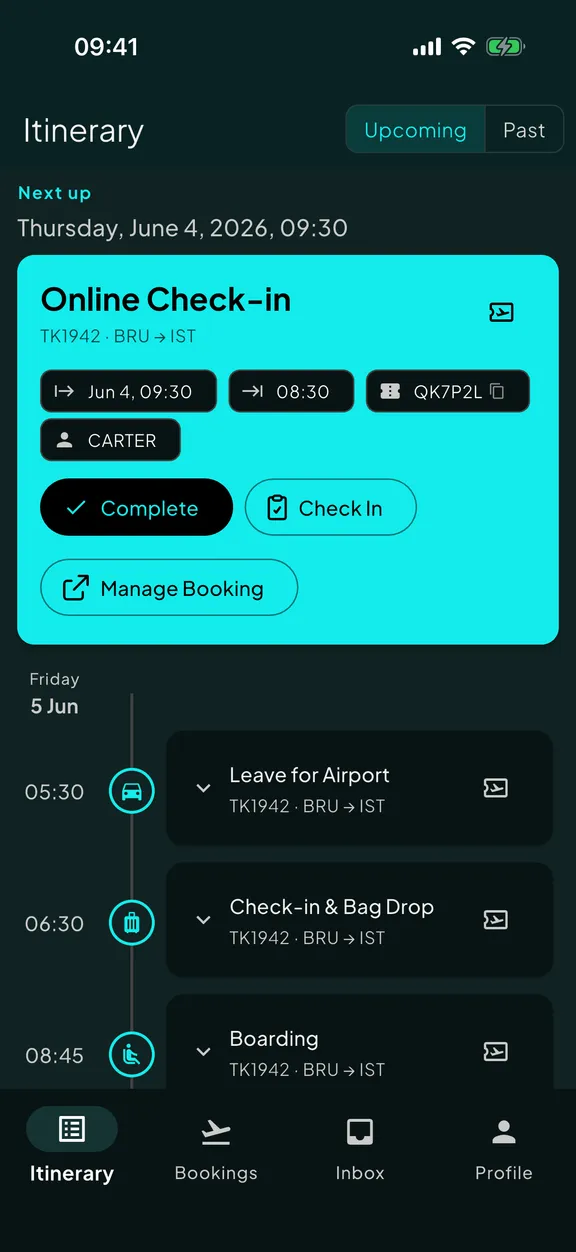
Four steps. The first one is the only one you do.
The rest is automatic. Here is exactly what happens after you hit forward.
You hand the booking to Skaoot
When a confirmation arrives for a flight, hotel, Airbnb, train, visa, rental, or transfer, forward it to your Skaoot tracking address. A few seconds, and then you can forget it.
What counts: confirmations, modifications, cancellations, gate notifications, e-tickets, receipts with travel dates. If it has a date and a place, send it over. What doesn’t: marketing emails and flight deals. Skaoot just ignores anything that isn’t about a real booking.
Skaoot reads it for you
It pulls out every detail that matters: flight numbers, dates, terminals, addresses, door codes, references, passenger names, amenities, check-in windows. You never type a booking in by hand.
Skaoot’s parsing is flexible, not template-based. It doesn’t depend on a provider keeping their email format identical forever. It understands the content, not just the layout. That’s why it works on the boutique providers other tools miss.
Skaoot places it on your timeline
We slot the booking into your timeline in the order things happen, and link it to the bookings around it. A flight that lands and a stay that checks in the same evening sit right next to each other.
That ordering is what gives Skaoot context. Once your stay sits between two flights on the timeline, Skaoot can tell you when to leave for the airport based on real travel time, not a generic three-hour buffer.
Skaoot surfaces what matters next
We turn your bookings into a chronological timeline. A single flight alone can become up to twelve events, each surfacing only the detail you need at that moment.
When you land, you see the address and drive time to your stay. When you arrive at the door, the door code. When the gate changes, you see that, not the original gate buried in the original email.
Set up takes about two minutes. Once.
Sign up with your email. That email becomes your verified address. Skaoot knows that anything you forward from it belongs to you. You can add more verified addresses on your profile any time.
Then you forward your first email to the tracking address. Skaoot recognises you from the verified address you forwarded it from, reads the booking, and adds it to your account. Your timeline starts to fill in.
After that, the only thing you do is forward emails as they arrive.
Use multiple email addresses?
Most travelers do. Work books your flights, personal handles your stays, an alias gets the rental. Add all of them to your profile and Skaoot routes every forward to the right account.
Booked by someone else?
It doesn’t have to be your booking. If a partner, friend, or colleague booked a flight for you and forwards you the confirmation, forward that on to Skaoot. It reads the booking and adds it to your account, exactly as if you’d booked it yourself.
Plans change. Most travel apps don’t keep up.
A flight gets rebooked. A hotel modifies your reservation. An airline changes your terminal a day before departure. Each arrives as a new email. Sometimes a brand-new thread, sometimes a notification with nothing useful in the body.
Skaoot reads each one in context. It finds the existing booking, merges the change in, and updates the timeline. No duplicate booking. No rejected partial-info email. No silently outdated information sitting in your itinerary because the app didn’t know what to do with the update.
If the change is significant (a new gate, a delay, a cancellation), you get a notification. If it’s a minor reshuffle that doesn’t affect your day, Skaoot just absorbs it.
Quiet by default
Skaoot’s notifications fire on real changes. Not on “your trip is in 30 days.” When your phone buzzes, it’s because something actually changed.
See it in depth on the change handling page.
Flights, stays, trains, rentals, and the paperwork in between.
- Flights: any airline, any number of legs
- Stays: hotels, Airbnb, Booking.com, VRBO, coliving, boutique
- Trains: any operator, with seats, tickets, and stations
- Vehicle rentals: cars, campervans, and motorcycles, from pickup to deposit release
- Visas, travel authorizations, and arrival cards
- Ferries and ground transfers Coming soon
- Event and activity tickets Coming soon
- Restaurant reservations Coming soon
Where Skaoot is best
Flexible parsing means Skaoot doesn’t need to recognize a brand to read its emails. Boutique hotels, regional airlines, the small platforms nomads actually use. Skaoot reads them the same way it reads the big ones.
Where Skaoot is honest
Today, Skaoot extracts structured bookings and event-by-event timelines for flights, accommodation, trains, and vehicle rentals, and checks every trip against your passports, visas, and travel authorizations. Forward a ferry, activity, or restaurant booking and the email is saved to your Skaoot inbox, ready for the moment extraction for that type ships. It’s coming.
Skaoot reads what you forward. Not your inbox.
There’s no inbox connection. No intrusion into your Gmail. No background scanning of your other mail. Skaoot only ever sees the emails you choose to send it.
The tracking address is currently shared across all Skaoot users. It’s why account identification is two-factor (verified forwarder + verified original recipient). Per-user tracking addresses are on the roadmap.
Here’s what it looks like.
Three bookings, one timeline, the right detail at the right moment. Your timeline fills in as bookings arrive, and each event surfaces only what you need then.
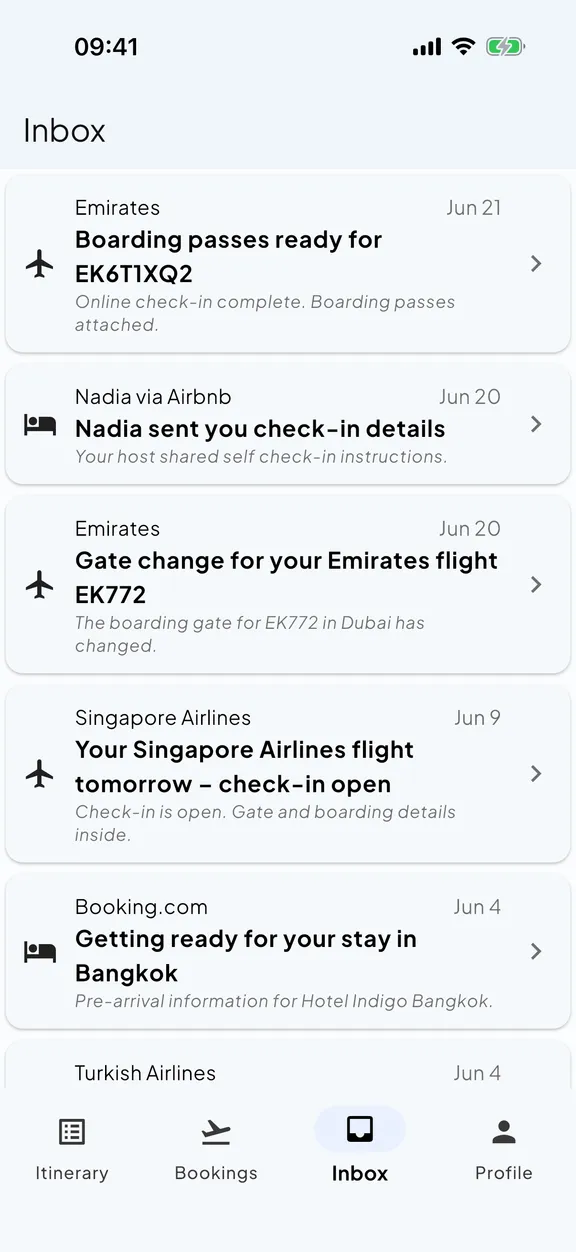
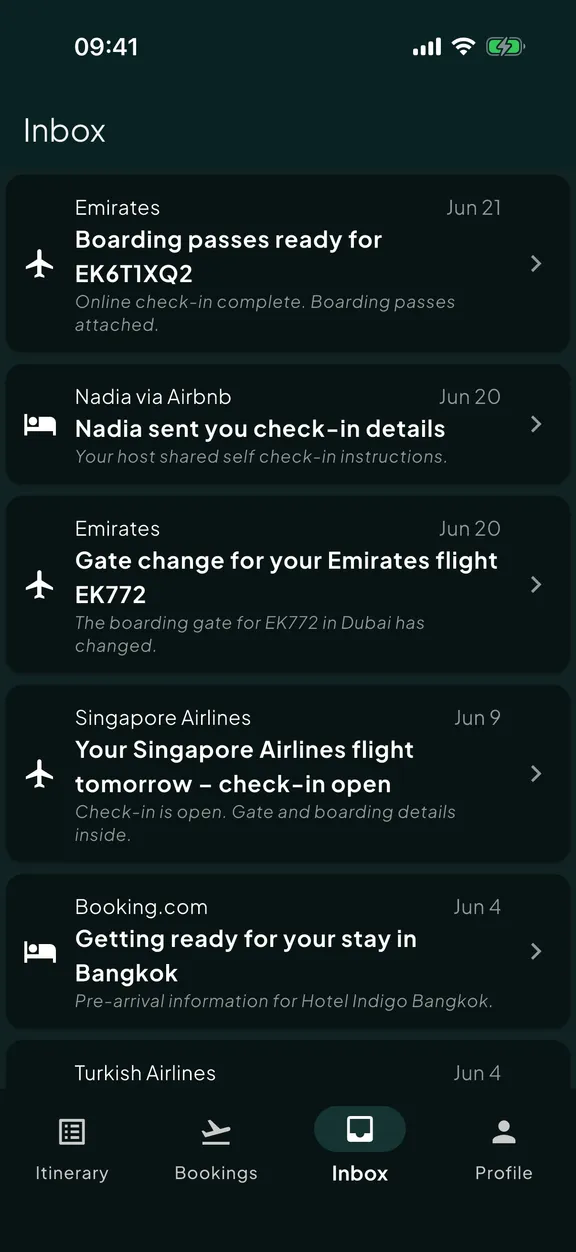
Start with one booking. The rest builds itself.
Install Skaoot, sign up with the email you use for bookings, and send over whatever’s at the top of your inbox. Two minutes. One booking on your timeline.